
固定背景bg1を左から右へ動かしたり、じんわり拡大するcssはカスタムに入っている。片方は効かなくしている。
このHPみたいに同じ色違い画像をつかったりして切り替わりを楽しむようなやつだと右へ動かしたりすると切り替え地点で変になる
新・固定表示の開閉タブ
下記cssとJS【新・固定表示開閉タブOP/CL タブ遅延仕様 / 表示が崩れない対策】でうごく。
/* ===========================
NEW 固定表示開閉タブ
完全作り直し版
動き:
・文章の幅は最初から完成幅
・外側だけ0幅にして隠す
・中身は左からスライド
・高さ計算JSなし
============================= */

無料のHPフィッティング(デモサイト作成)
❖ 画像や文章は、事業内容に合わせて変更可能
❖ 他のデザインも見たい方はこちら




固定背景を非表示にするには、stock-blockをクラス名にいれる。それとbg5 or bg6のクラス名を変更する → bg6stockとか。
スライド、アンカー確認!
none

【スライドや固定背景の増減についての基本設定・要点】
【基本型4枚 2枚まで増加可能】
通常:
b1 → b2 → b3 → b6 → b7
bg1 → bg2 → bg3 → bg4
1枚追加:
b1 → b2 → b3 → b4 → b6 → b7
bg1 → bg2 → bg3 → bg5 → bg4
2枚追加:
b1 → b2 → b3 → b4 → b5 → b6 → b7 b7は最後のCONTACT用。b6の直後に置く。最後位置の計算に使う。
bg1 → bg2 → bg3 → bg5 → bg6 → bg4 いずれもbg4をラストにする。
b4 / b5:追加用の普通スライド。b3 と b6 の間に入れる。b2・b6と同じ固定幅タイプ。
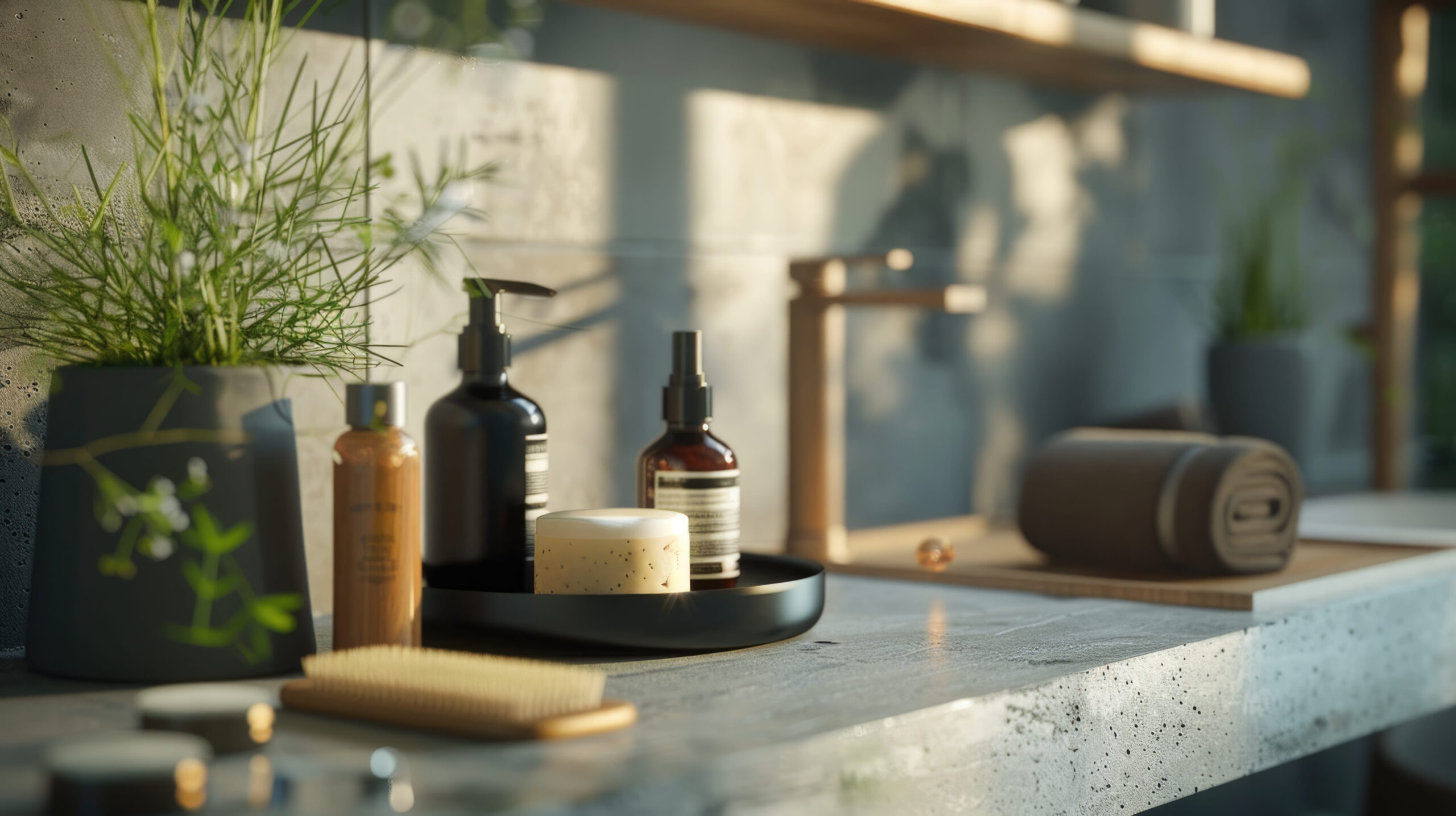
スマホのb1上での配置などを調整する場合
スマホのときのb1上の文字の配置はYOKOHPのcss上で決めている。
/* ======================================
スマホ:b1を透明 + 文字を画面中央表示
+ 位置微調整できる版
====================================== */
body:not(.wp-admin):not(.block-editor-iframe__body){
--b1-text-x: 0px; /* b1全体の文字:左右位置 */
--b1-text-y: -150px; /* b1全体の文字:上下位置 */ ←タイトルのこと
--b1-swipe-x: 0px; /* b1内のsp-only:左右位置 */ ←swipのやつのこと
--b1-swipe-y: 300px; /* b1内のsp-only:上下位置 */
光差し込み+透明からレイヤーor画像へのアニメーション
selector{
position: relative !important;
overflow: hidden !important;
isolation: isolate !important;
}
/* 画像+色レイヤーをまとめて透明から表示 */
selector .wp-block-cover__image-background,
selector .wp-block-cover__background{
animation: coverLayerFadeIn 5.0s ease-out 2.0s both;
animation-play-state: paused;
}
/* このカバー自身がアクティブになったら開始 */
selector.b-anim-active .wp-block-cover__image-background,
selector.b-anim-active .wp-block-cover__background{
animation-play-state: running;
}
/* 光:最初は透明からじんわり表示 */
selector::before{
content: "" !important;
position: absolute !important;
inset: -45% -35% !important;
z-index: 2 !important;
pointer-events: none !important;
background:
linear-gradient(116deg,
transparent 0%,
transparent 16%,
rgba(255,255,255,0.06) 20%,
rgba(255,255,255,0.34) 25%,
rgba(255,255,255,0.12) 31%,
transparent 39%
),
linear-gradient(113deg,
transparent 0%,
transparent 41%,
rgba(255,255,255,0.05) 44%,
rgba(255,255,255,0.24) 45.5%,
rgba(255,255,255,0.05) 47%,
transparent 52%
),
linear-gradient(119deg,
transparent 0%,
transparent 59%,
rgba(255,255,255,0.04) 63%,
rgba(255,255,255,0.26) 68%,
rgba(255,255,255,0.07) 73%,
transparent 81%
),
linear-gradient(111deg,
transparent 0%,
transparent 74%,
rgba(255,255,255,0.04) 75%,
rgba(255,255,255,0.18) 76%,
rgba(255,255,255,0.04) 77%,
transparent 81%
) !important;
filter: blur(10px) !important;
mix-blend-mode: screen !important;
animation: lightMainFadeIn 5.0s ease-out 2.2s both !important;
animation-play-state: paused !important;
}
/* 補助光 */
selector::after{
content: "" !important;
position: absolute !important;
inset: -50% -30% !important;
z-index: 2 !important;
pointer-events: none !important;
background:
linear-gradient(117deg,
transparent 0%,
transparent 32%,
rgba(255,255,255,0.04) 35%,
rgba(255,255,255,0.15) 36.5%,
rgba(255,255,255,0.04) 38%,
transparent 44%
),
linear-gradient(108deg,
transparent 0%,
transparent 52%,
rgba(255,255,255,0.035) 57%,
rgba(255,255,255,0.17) 64%,
rgba(255,255,255,0.05) 70%,
transparent 79%
) !important;
filter: blur(18px) !important;
mix-blend-mode: screen !important;
animation: lightSubFadeIn 5.0s ease-out 2.4s both !important;
animation-play-state: paused !important;
}
/* このカバー自身がアクティブになったら光も開始 */
selector.b-anim-active::before,
selector.b-anim-active::after{
animation-play-state: running !important;
}
/* 文字は一番上 */
selector .wp-block-cover__inner-container{
position: relative !important;
z-index: 3 !important;
}
/* 編集画面では普通に表示 */
.editor-styles-wrapper selector .wp-block-cover__image-background,
.editor-styles-wrapper selector .wp-block-cover__background{
animation: none !important;
}
.editor-styles-wrapper selector::before,
.editor-styles-wrapper selector::after{
animation: none !important;
opacity: 1 !important;
}
/* 透明 → それぞれ元の透明度へ戻る */
@keyframes coverLayerFadeIn{
from{
opacity: 0;
}
}
/* 主光:透明 → 表示 */
@keyframes lightMainFadeIn{
from{
opacity: 0;
}
to{
opacity: 1;
}
}
/* 補助光:透明 → 表示 */
@keyframes lightSubFadeIn{
from{
opacity: 0;
}
to{
opacity: 0.9;
}
}
単にグラデを用いない透明からレイヤーor画像へのアニメーション
/* 画像+色レイヤーをまとめて透明から表示 */
selector .wp-block-cover__image-background,
selector .wp-block-cover__background{
animation: coverLayerFadeIn 5.0s ease-out 2.0s both;
animation-play-state: paused;
}
/* このカバー自身がアクティブになったら開始 */
selector.b-anim-active .wp-block-cover__image-background,
selector.b-anim-active .wp-block-cover__background{
animation-play-state: running;
}
/* 編集画面では普通に表示 */
.editor-styles-wrapper selector .wp-block-cover__image-background,
.editor-styles-wrapper selector .wp-block-cover__background{
animation: none !important;
}
/* 透明 → それぞれ元の透明度へ戻る */
@keyframes coverLayerFadeIn{
from{
opacity: 0;
}
}
グラデ+透明からレイヤーor画像へのアニメーション
selector{
/* ここだけ変更 */
--grad-left: #ffffff00; /* 左の色 */
--grad-right: #e9a02a; /* 右の色 */
--grad-opacity: 0.55; /* グラデの濃さ */
position: relative !important;
overflow: hidden !important;
}
/* カバー色レイヤーをグラデーションにする */
selector .wp-block-cover__background{
background: linear-gradient(
90deg,
var(--grad-left) 0%,
var(--grad-right) 100%
) !important;
opacity: var(--grad-opacity);
}
/* 画像+グラデーションをまとめて透明から表示 */
selector .wp-block-cover__image-background,
selector .wp-block-cover__background{
animation: coverLayerFadeIn 5.0s ease-out 2.0s both;
animation-play-state: paused;
}
/* このカバー自身がアクティブになったら開始 */
selector.b-anim-active .wp-block-cover__image-background,
selector.b-anim-active .wp-block-cover__background{
animation-play-state: running;
}
/* 編集画面では普通に表示 */
.editor-styles-wrapper selector .wp-block-cover__image-background,
.editor-styles-wrapper selector .wp-block-cover__background{
animation: none !important;
}
/* 文字は一番上 */
selector .wp-block-cover__inner-container{
position: relative !important;
z-index: 3 !important;
}
/* 透明 → それぞれ元の透明度へ戻る */
@keyframes coverLayerFadeIn{
from{
opacity: 0;
}
}
Hair Salon Camelot
Swipe →
PRICE / MENU
CUT
一般
¥5,000
高校生以下
¥3,000
小学生以下
¥2,000
COLOR
ワンメイク
¥6,000
ブリーチ
¥6,000
ナチュラルハーブカラー
¥7,000
オーガニックカラー
¥6,500
PERM
ポイントパーマ
¥3,000
デザインパーマ
¥6,000
デジタルパーマ
¥7,000
ストレートパーマ
¥7,000
縮毛矯正
¥8,000
OTHER
セット
¥5,000
メイク
¥3,000
着付け
¥7,000
スマホ出力後の体裁
下記追加cssにて調整可能
/* ==============================
PRICE スマホ自動出力
PC側 price-section を読み込み
============================== */
JSは「美容室版料金表のPC項目読み込み(スマホ用)」
文字フォントを一気にかえる場合は、下記をスマホ出力グループのカスタムcssにいれる
@media screen and (max-width: 600px){
.price-output,
.price-output *{
font-family: "Zen Kaku Gothic New", sans-serif !important;
}
}
PRICE / MENU
b3の中での各カバーの横幅設定について(重要!)
基本的な設定として、b3のスライドは中身に応じて自動収縮する。ただ、カラムとかを利用する場合、普通の文字を利用する場合と違いが生じる。細かいところは省くが、文字だけならあまり問題ないが、カラムを利用する場合は特に、親のカバーには下記カスタムcssをいれて、幅を指定することを推奨する。ただ、これはあくまでpc-onlyの場合のことでスマホと共通利用の場合はメディアクエリを使用すること。
下記cssの75vwを基本的には上限として内容によって変えていくのが良い。
body:not(.wp-admin):not(.block-editor-iframe__body) selector{
width: 75vw !important;
min-width: 75vw !important;
max-width: none !important;
flex: 0 0 75vw !important;
}
/* 編集画面では幅指定を解除 */
.editor-styles-wrapper selector,
.block-editor-iframe__body selector{
width: auto !important;
min-width: 0 !important;
max-width: none !important;
flex: initial !important;
}
写真ギャラリー型にするひな形。読込元のこのカバーはstock-blockで非表示にしている。そのかわりPC版とスマホ版の出力グループを並列で出している。
■ b3-freeのグループにsg-tightを追加すれば、画像同士をくっつけることができる!
/* ==============================
SERVICE GALLERY
sg-tight を付けた時だけ
画像を縦横くっつける
============================== */
■ 追加css
/* ==============================
SERVICE GALLERY
sg-source → sg-pc / sg-sp 自動出力
PC・SPともに2枚縦積み
横幅は中身の枚数ぶん増える
横スクロール本体JSは触らない
============================== */
■ JSも利用している。「b3に画像ギャラリーを追加するためのJS」
一枚目のタイトル用のカバーを透過させるにはその裏のカバー(b-half-b3)を透過させておくこと
none
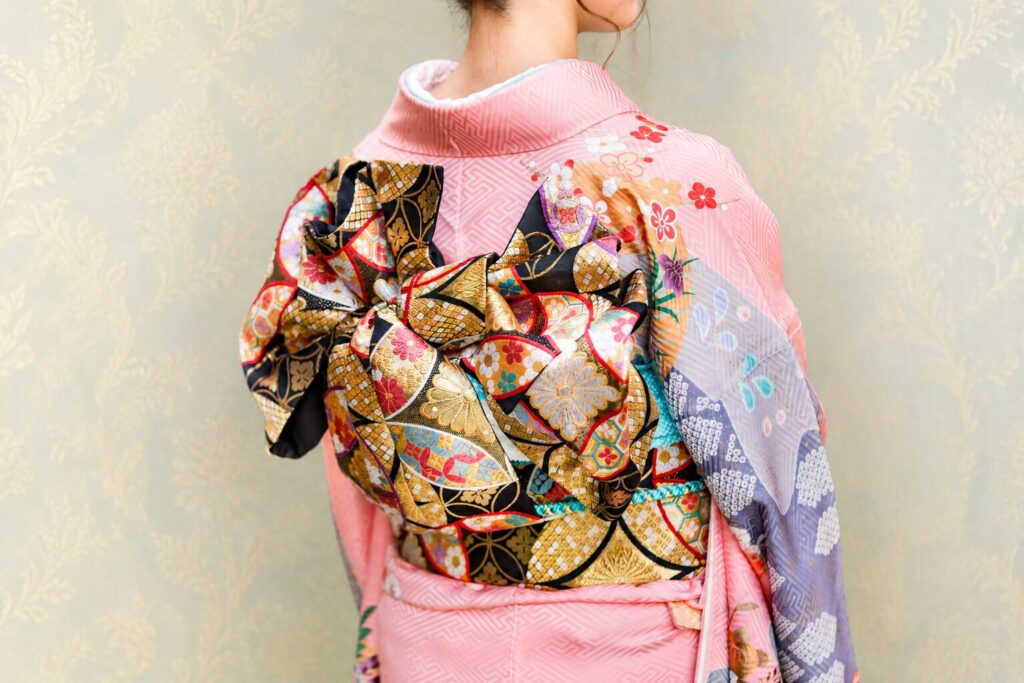
HAIR STYLE
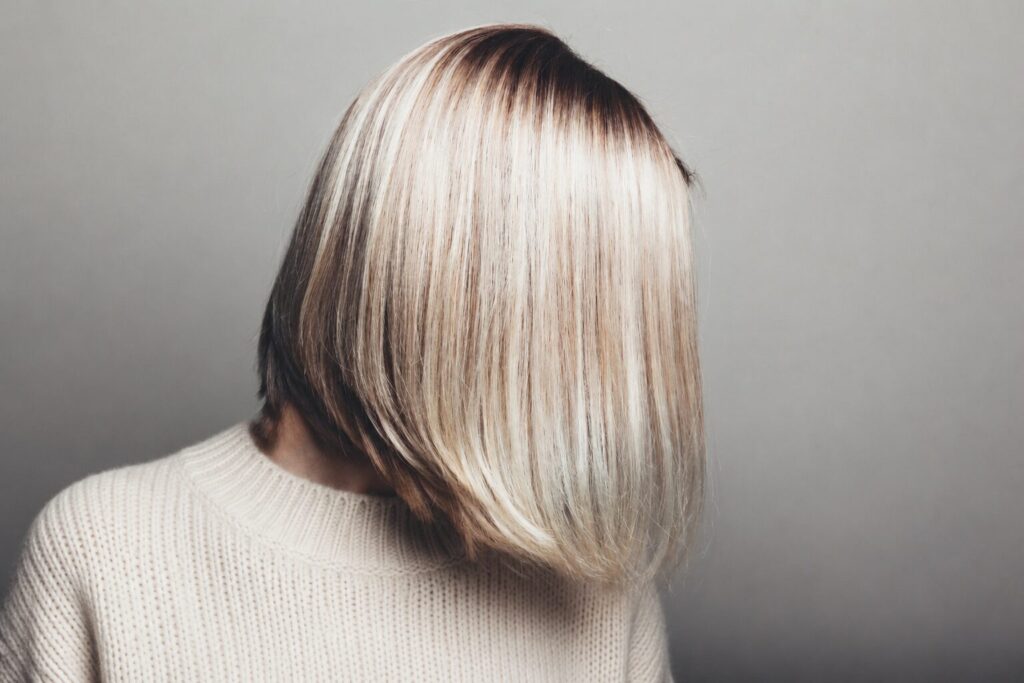
すたいる1
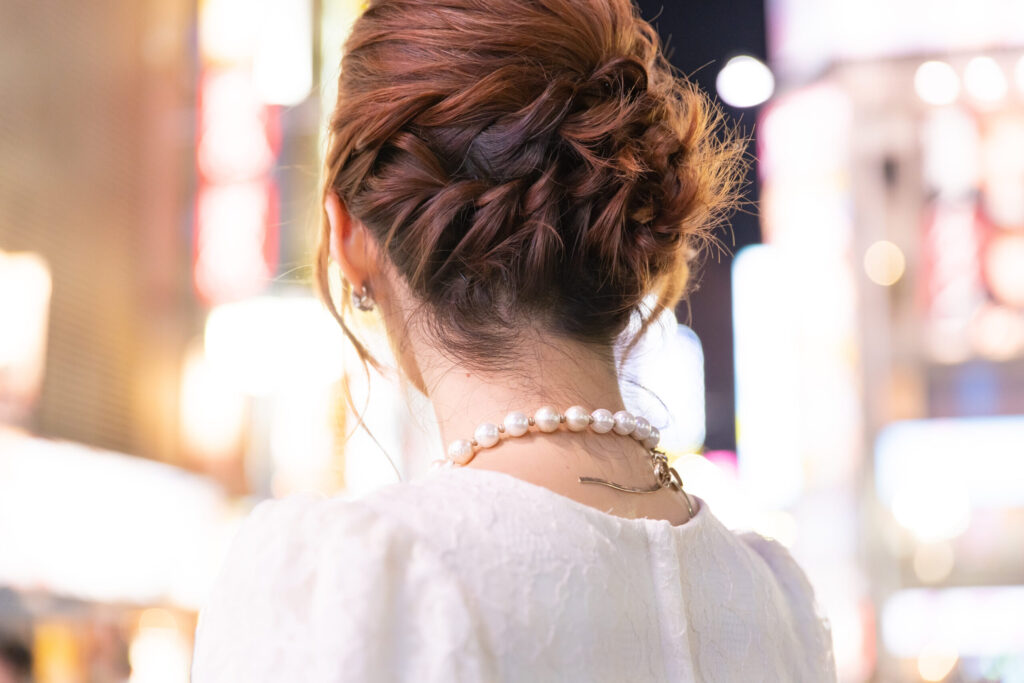

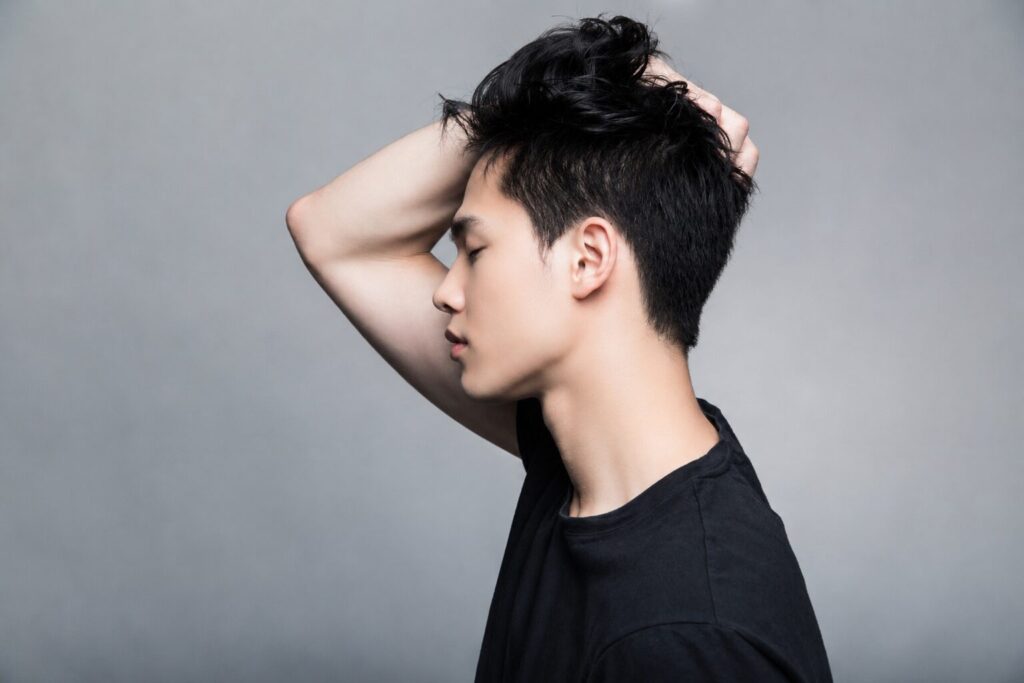
↓PC出力用グループ
体裁調整 追加css
/* ==============================
SERVICE GALLERY
sg-source → sg-pc / sg-sp 自動出力
PC・SPともに2枚縦積み
横幅は中身の枚数ぶん増える
横スクロール本体JSは触らない
============================== */
↓SP出力用グループ
体裁調整 追加css
/* ==============================
SERVICE GALLERY
sg-source → sg-pc / sg-sp 自動出力
PC・SPともに2枚縦積み
横幅は中身の枚数ぶん増える
横スクロール本体JSは触らない
============================== */
PRICE / MENU
CUT
一般
¥5,000
高校生以下
¥3,000
小学生以下
¥2,000
COLOR
ワンメイク
¥6,000
ブリーチ
¥6,000
ナチュラルハーブカラー
¥7,000
オーガニックカラー
¥6,500
PERM
ポイントパーマ
¥3,000
デザインパーマ
¥6,000
デジタルパーマ
¥7,000
ストレートパーマ
¥7,000
縮毛矯正
¥8,000
OTHER
セット
¥5,000
メイク
¥3,000
着付け
¥7,000
スマホ出力後の体裁
下記追加cssにて調整可能
/* ==============================
PRICE スマホ自動出力
PC側 price-section を読み込み
============================== */
JSは「美容室版料金表のPC項目読み込み(スマホ用)」
文字フォントを一気にかえる場合は、下記をスマホ出力グループのカスタムcssにいれる
@media screen and (max-width: 600px){
.price-output,
.price-output *{
font-family: "Zen Kaku Gothic New", sans-serif !important;
}
}
PRICE / MENU
PRICE
カウンセリング
guidance
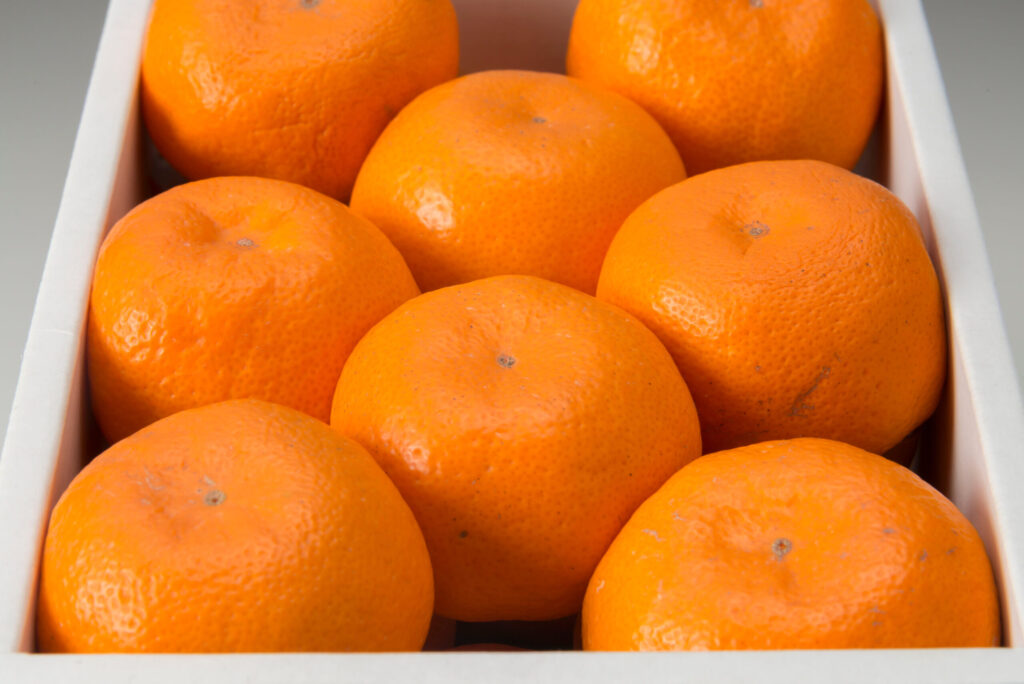
取り扱いみかん
contents
右側の余白スペース維持のためにどこかの文字の後ろに空スペースをいれること。今はワンカラー・・・・込の後ろに全角␣をいれている
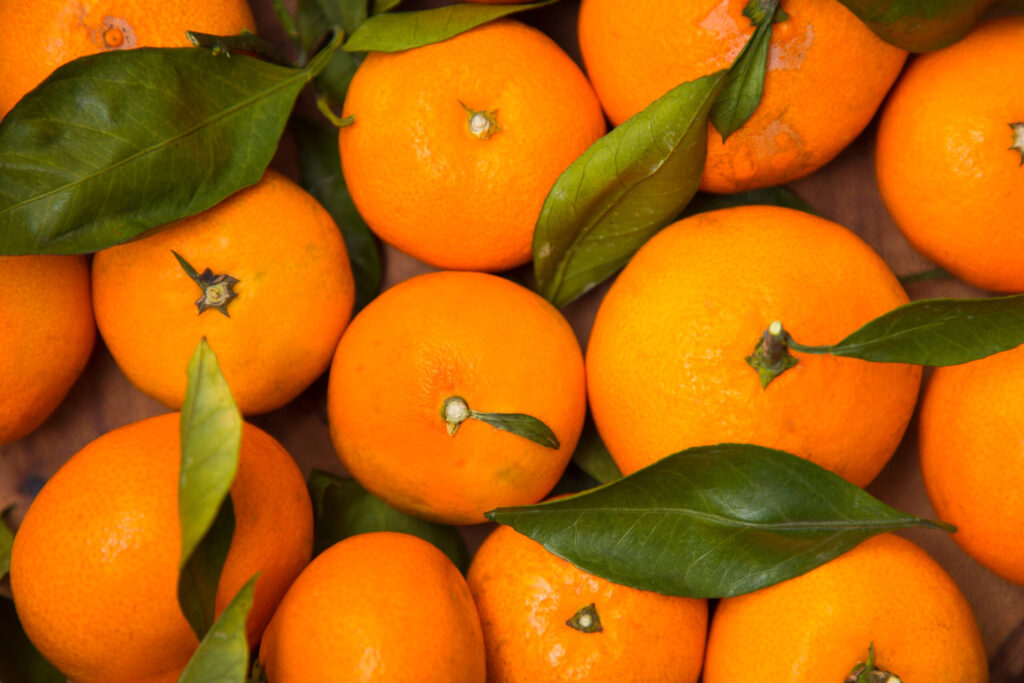
温州みかん 3kg/3,000円~
愛媛県産みかんの顔。
甘さと酸味のバランスが良く、贈答用として一番が人気がある品種
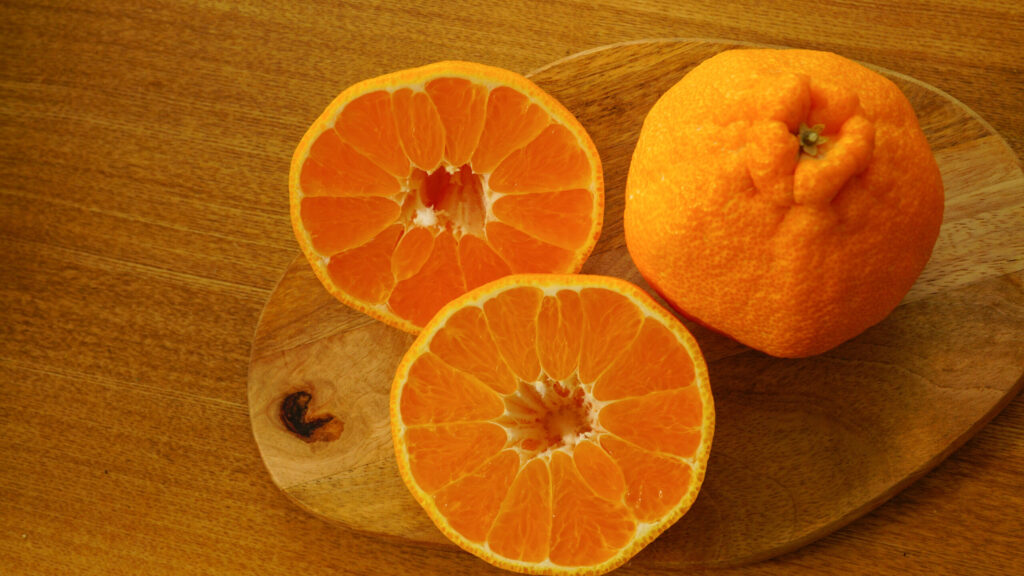
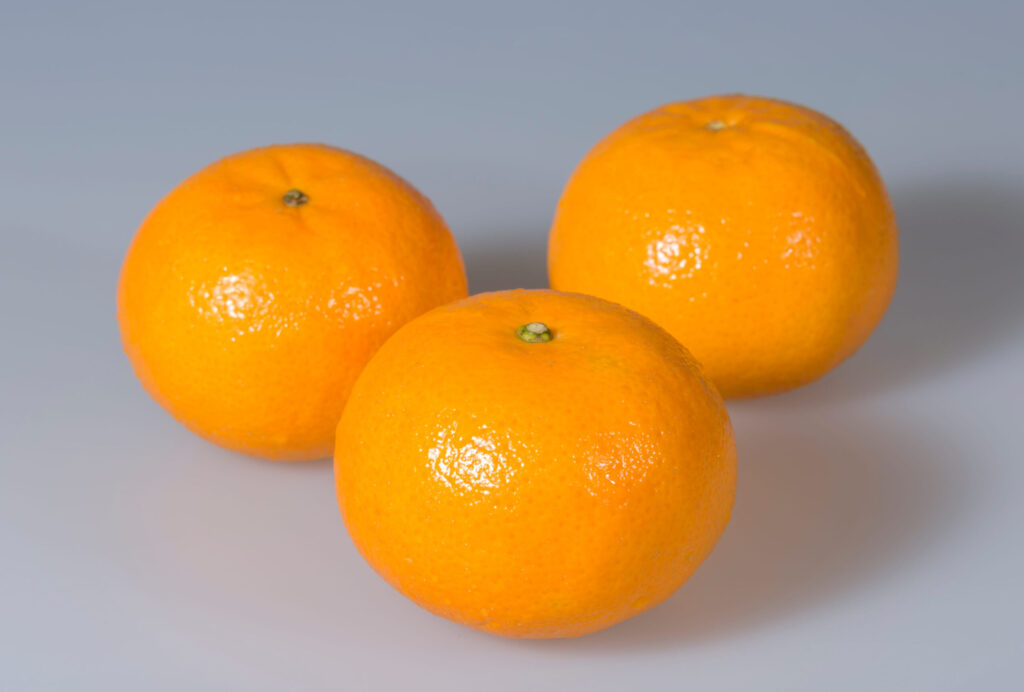
せとか 2kg/5,000円~
皮が薄く、果実の形もよく、ジューシーで濃厚な甘さが特徴、「柑橘の女王様」
ちょっと高級な贈答品としておすすめ
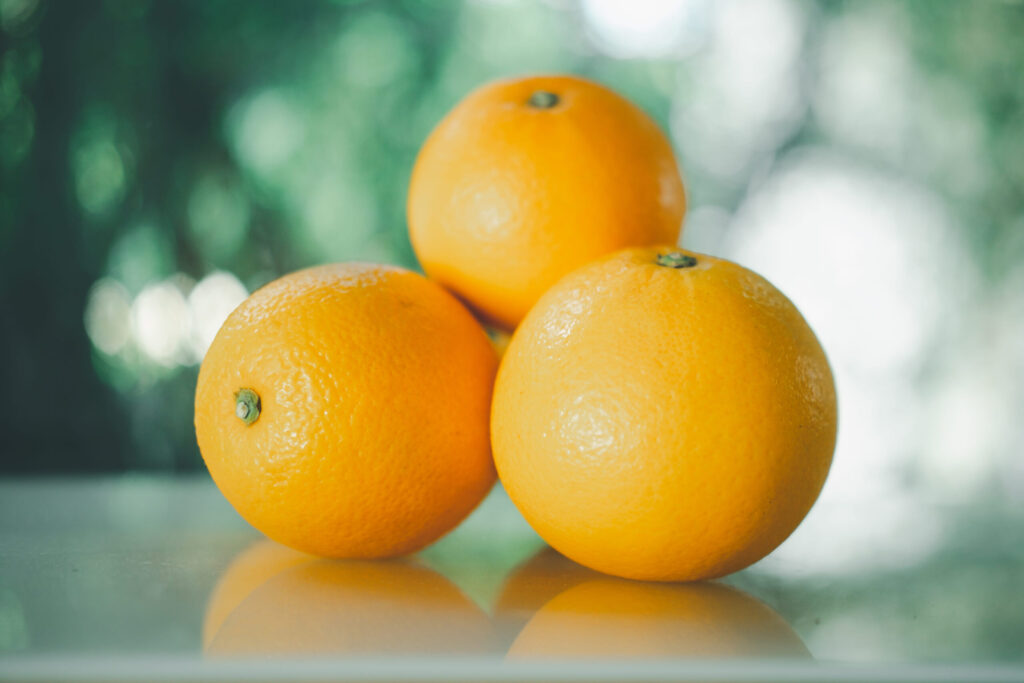
伊予柑 2kg/3,000円~
味・色・香りの”よい”3拍子揃い
「愛媛のいよかん、いい予感」のキャッチフレーズで全国的にも有名な品種
ぽんかん 2kg/5,000円~
インド生まれの美しい果実
手で皮がむけ、内袋ごと召し上がれます
甘味の強さと香りが特徴
河内晩柑 2kg/3,500円~
ジューシーでさっぱりとした味が特徴
「和製グレープフルーツ」とも
しっかりとした皮と大粒の果実が特徴
SERVICE
SERVICE-1
取り扱いみかん
guidance
取り扱い商品
contents
右側の余白スペース維持のためにどこかの文字の後ろに空スペースをいれること。今はワンカラー・・・・込の後ろに全角␣をいれている
画像が細長くつぶれてしまうことがある。原因はおそらくb3上の画像についてはそういうことがあるようだ。b3-cover-fitというクラス名をつけると直るようにしている。追加cssにその修正するためのcssは書いている。
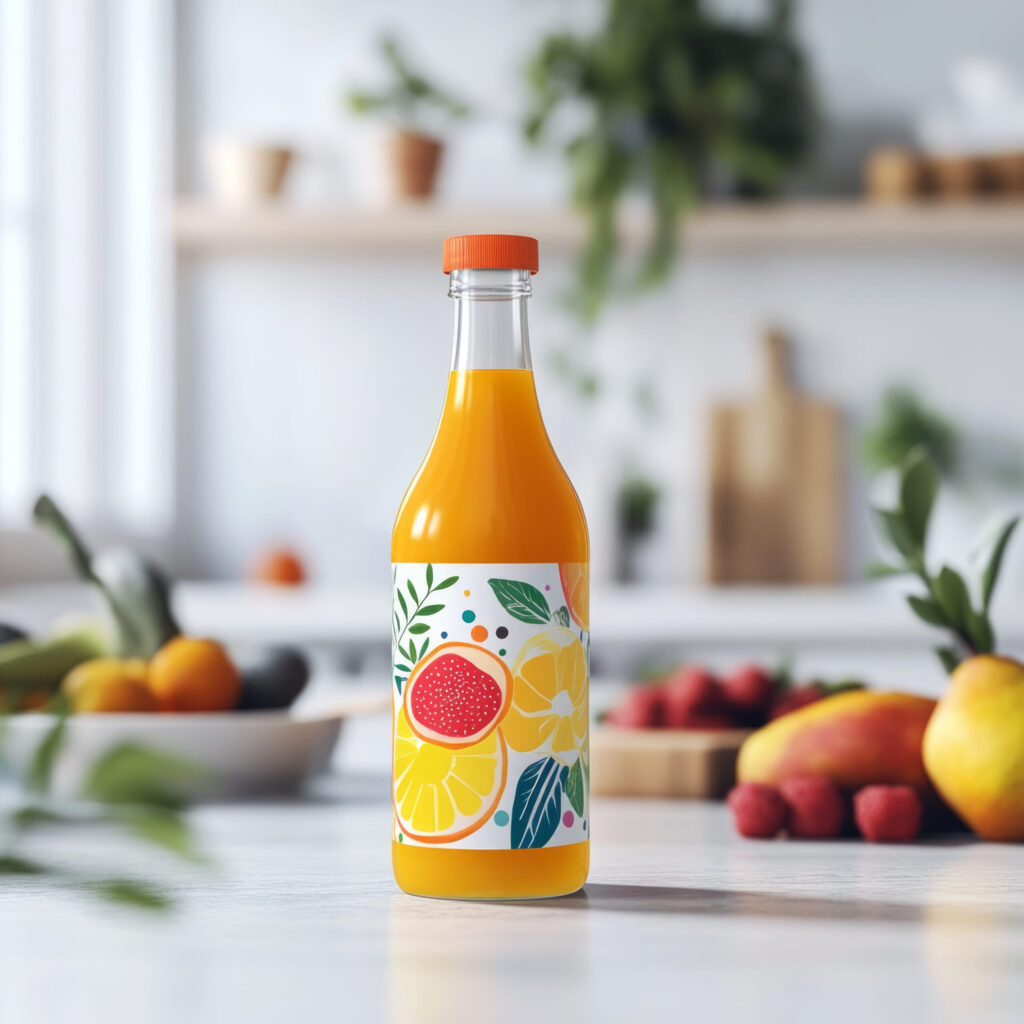
【無添加100%ストレートジュース】
西宇和みかんや伊予柑をはじめ、当農園で栽培している様々な柑橘の果汁を絞ってそのまま瓶詰めしています。
🍊河内晩柑ジュース(720ml)2本セット
販売価格:4,050円(税込)
🍊ぽんかんジュース(720ml)2本セット
販売価格:4,050円(税込)
🍊いよかんジュース(720ml)2本セット
販売価格:4,050円(税込)
🍊みかんジュース(300ml)小瓶6本セット
販売価格4,400円(税込)
季節により準備中の商品もございます
お電話やメールでのご注文も受付しております
SERVICE-2
取り扱い商品
reserve
【無添加100%ストレートジュース】
西宇和みかんや伊予柑をはじめ、当農園で栽培している様々な柑橘の果汁を絞ってそのまま瓶詰めしています。
🍊河内晩柑ジュース(720ml)2本セット
販売価格:4,050円(税込)
🍊ぽんかんジュース(720ml)2本セット
販売価格:4,050円(税込)
🍊いよかんジュース(720ml)2本セット
販売価格:4,050円(税込)
🍊みかんジュース(300ml)小瓶6本セット
販売価格4,400円(税込)
季節により準備中の商品もございます
お電話やメールでのご注文も受付しております
簡易鑑定
恋愛・仕事・人間関係など、どのようなお悩みでも、時間内であればご質問は何度でも可能です。
10分 50,000円(税込)

鑑定の種類
幸あれ!GOOD!
150分 6,800円(税込)

STYLIST

Director
下峠 さりみ
経験8年
ショートやボブなど、顔まわりをきれいに見せるスタイルが得意です。朝のセットに時間をかけなくても形になりやすい、扱いやすい髪型をご提案します。

Stylist
龍神 円侍
経験14年
メンズカットや動きのあるスタイルが得意です。髪のクセや毛量を見ながら、伸びてきても崩れにくく、自宅でも再現しやすい形に仕上げます。
STYLIST
【slider式プロフィール】スマホ読込後のフォントや色、構成・文章量について(重要) 増減対応可能
上記説明文が高さ枠を超えるとスクロールバー(疑似含む)が出る仕組み。高さの枠は.gym-prof-sp-textのmax-height: 250px !important;で調整する。
/* ==============================
スマホPROFILE:PC項目読み込みスライダー 完成版
PC側:
gym-prof-source
gym-prof-img
gym-prof-role
gym-prof-name
gym-prof-text
SP側:
gym-prof-slider
============================== */
基本的には追加cssでフォントや色や、構成などは構築されている。個別で変えたいところがあれば下記名前のcssのところを変えると良い。ただし、各項目はスマホ読込されるとspという文字が追加されるから、調整するときはsp入りの名前を探すとよい。
なお、全体的にフォントを変えたいようなときには下記cssを下のカスタムcssにいれると全体がかわる。
@media screen and (max-width: 768px){
/* 全体のフォント */
.price-sp,
.price-sp *{
font-family: 'Libre Baskerville','Zen Kaku Gothic New', sans-serif !important;
}
}
ABOUT
商号 美容室 Camelot
住所 青森県○○市○○
TEL 0899-○○-○○○○
MAIL melli@○○.com
OPEN 11:00-19:00
定休日 水曜日
CONTACT
予約・お問い合わせはこちら
LINEでのお問い合わせもOK

CONTACT
LINEでのお問い合わせOK
REASON
続けられる理由
下のカラムには、横型カード用に左右カラムの高さをそろえるCSSをいれている。左カラムの文章量が多くなっても、右カラムの画像だけ高さが足りずに段差が出るのを防ぐ。
none
タイトルにスマホ用の仕様を変更するカスタムcssを入れている。スマホは読込型のため、仕様が継承されないため、カスタムcssで設定している。JSもそれが可能な仕様に変更済
none
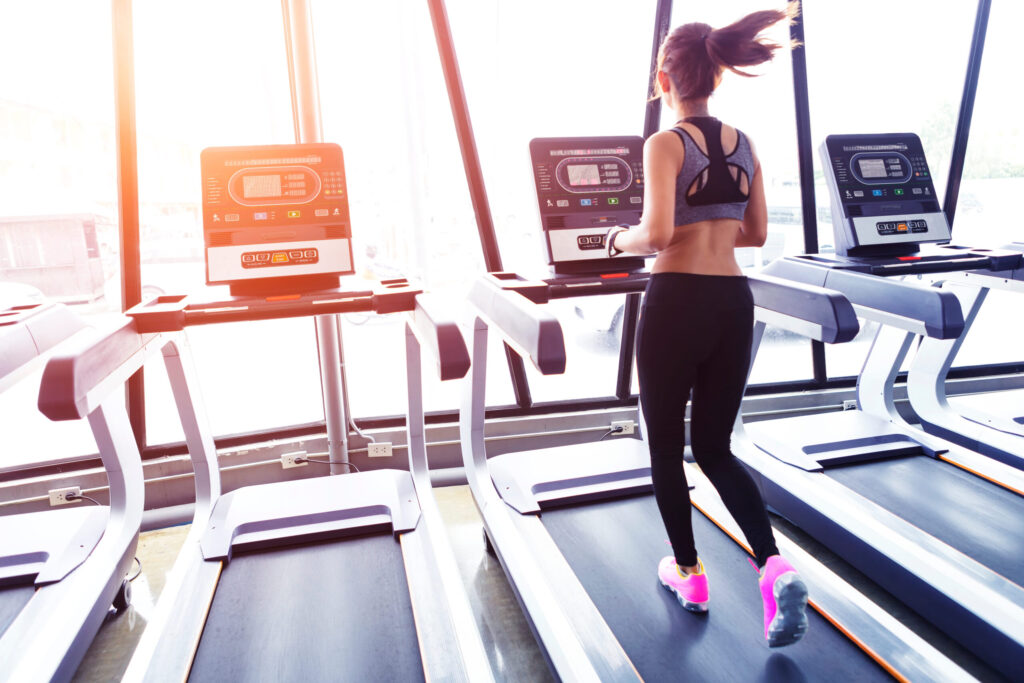
01 頑張った姿が、写真で届く
トレーニング中の姿や体の変化を毎回写真で記録し、終了後に共有します。頑張った自分を見返せるから、次も続ける自信につながります。
自分のSNSに載せてもOKです!
02 毎回の目標設定
トレーニング中の姿や体の変化を毎回写真で記録し、終了後に共有します。頑張った自分を見返せるから、次も続ける自信につながります。
自分のSNSに載せてもOKです!
03 食べすぎを整える食事管理
トレーニング中の姿や体の変化を毎回写真で記録し、終了後に共有します。頑張った自分を見返せるから、次も続ける自信につながります。
自分のSNSに載せてもOKです!
SERVICE
続けられる理由
guidance
TOP
PRICE
STYLE
STYLIST
ABOUT
CONTACT
ご予約 050-1234-5678